Their phone’s camera is enough.
Guests don’t need a separate app or an account. The QR code takes them to a menu they can read in their browser.
QR MENUS FOR RESTAURANTS, CAFÉS & BARS
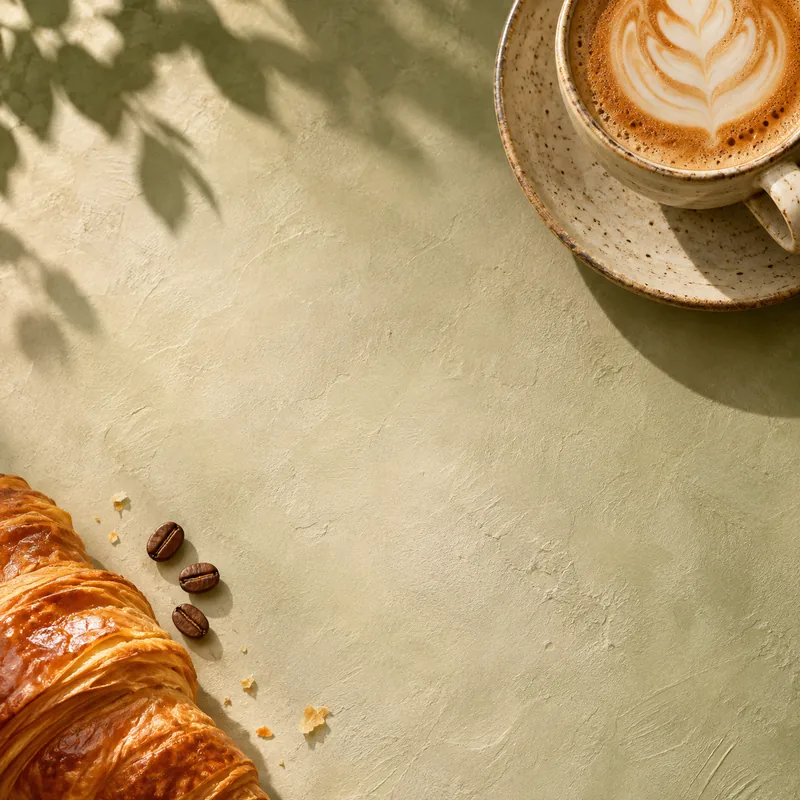
Pizza for a pizzeria, coffee for a café. Choose an AI QR design that fits your place, then open the sample menu behind it.
Try the samples without signing up.
Choose a type, then open its sample menu.
A guest scans the QR sticker on the table with their phone’s camera. The menu opens in their browser.
Guests don’t need a separate app or an account. The QR code takes them to a menu they can read in their browser.
Names, descriptions and prices belong together. Browse the sample categories and see how the menu reads on a small screen.
Place the sticker where a seated guest can see and scan it easily. The menu is there when they’re ready to look.
Start with one of these three examples. Each QR sticker opens a menu with dishes, descriptions and prices to browse on your phone.
The venues, dishes and prices are examples.
See how the QR design and menu work together before deciding what suits your place.
There are 36 examples, from pizzerias to cocktail bars. Your choice changes the QR artwork and its sample menu.
Browse the dishes, descriptions and example prices. Use the categories to find your way around, and try it on your phone too.
The sample menu has PNG downloads for both the AI QR sticker and a standard QR code. Both open that sample.
AI QR ARTWORK
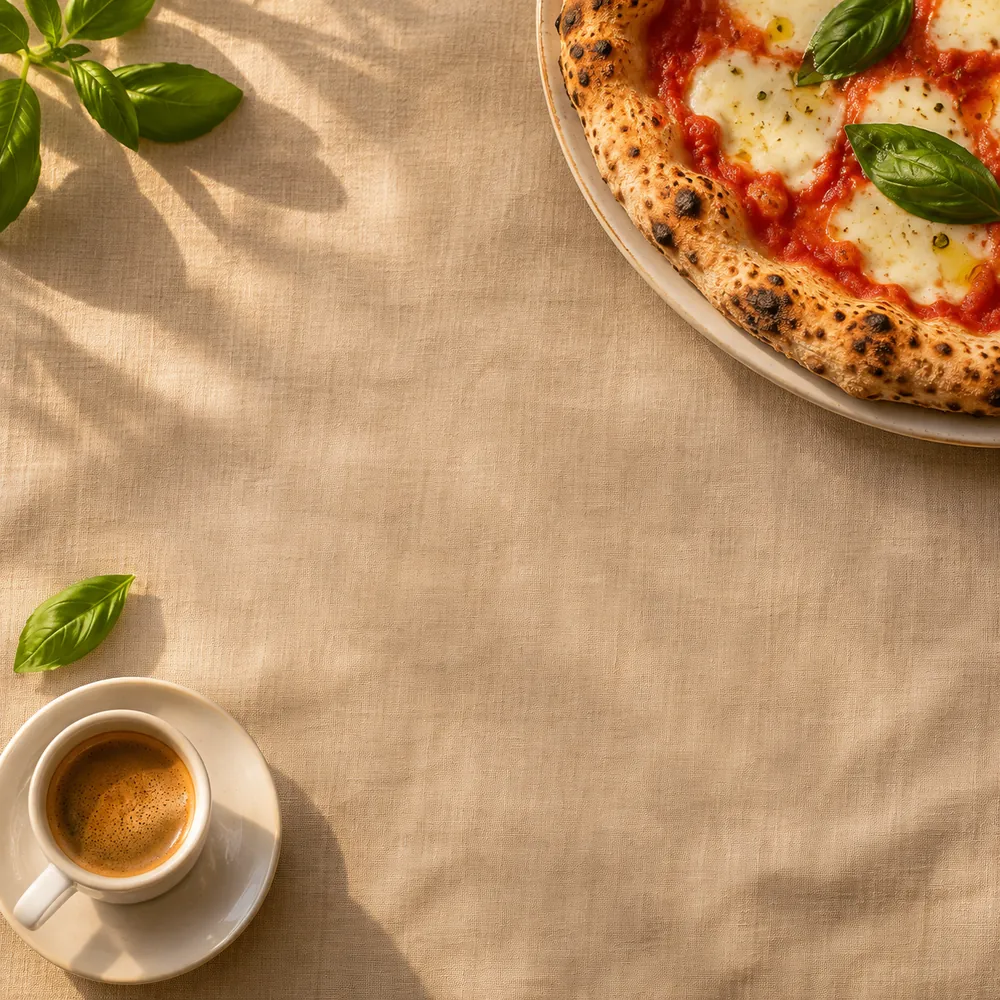
A pizzeria calls for a different look from a coffee shop. Each venue type has its own QR artwork, inspired by the food and drinks you’d expect to find there.
Open a sample to compare the illustrated QR with its standard version. Both are available to download.
Explore the QR designsBrowse the sample menus and download their QR stickers. The free maker for creating and publishing your own menu is still in development.
FREE SAMPLE MENUS & QR DESIGNS
Each downloaded code opens its matching sample menu.
Choose from 36 venue types, open their sample menus and browse the food and drinks. You can download the matching AI QR sticker or a standard QR code.
This page currently offers ready-made samples. Publishing your own menu and generating custom AI QR artwork aren’t available yet. The planned menu maker will be free.
We plan to support existing menu links in the maker. For now, the downloads open the sample menus; you can’t add your own link on this page.
No. Guests scan the QR code with their phone’s camera and the menu opens in their browser. They don’t need to install an app or sign in.
The AI version uses food-inspired artwork; the standard version uses a conventional QR pattern. Both point to the same sample menu, so you can compare the two.
They’re fictional venues with example dishes and prices. The food photographs are AI-generated illustrations, rather than photos of meals served by a real venue.
Make sure it opens the right public menu. Scan a printed test on more than one phone, and keep the clear border around the code. The downloads here point to sample menus.
QRMENU.DESIGN
It’s worth opening a sample on your phone. You’ll see the menu your guest reaches with a scan.
View a sample menuTry the samples without signing up.